MQL5 Programming Guide: From MQL4 to Advanced Automation

MQL5 (MetaQuotes Language 5) is the programming language for MetaTrader 5, representing a significant evolution from MQL4. While MQL4 remains popular for MT4 users, MQL5 offers enhanced capabilities, modern programming features, and improved performance for traders ready to work with more sophisticated automation.

Understanding MQL5 programming is essential for traders using MT5 or those wanting to leverage advanced features unavailable in MQL4. The language supports object-oriented programming, improved backtesting capabilities, and more efficient execution—but it also introduces complexity that makes it more challenging for beginners than MQL4.

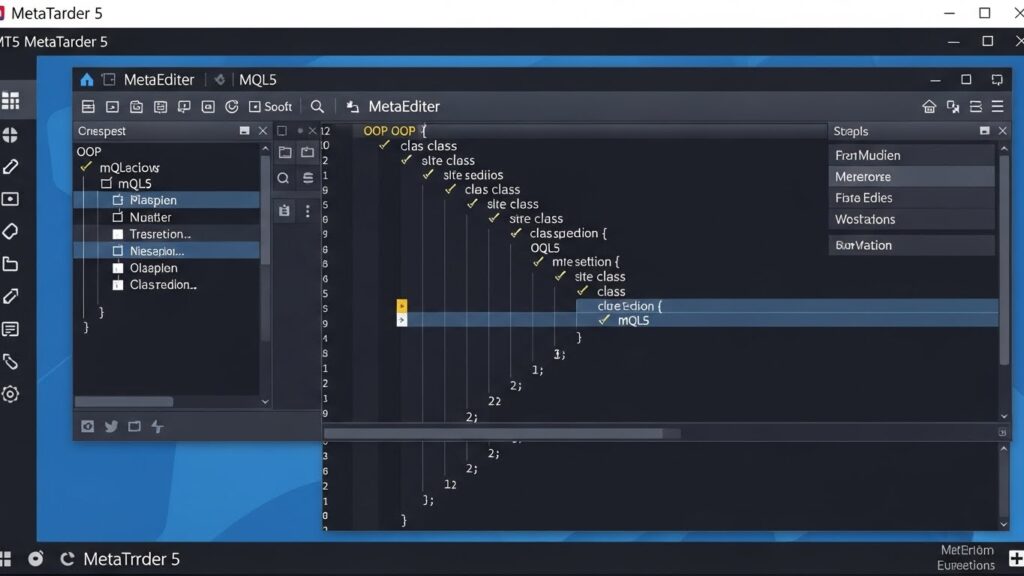
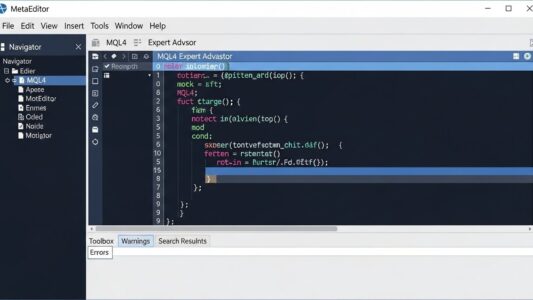
Object-oriented programming structure diagram showing classes, inheritance, and objects in MQL5

This guide covers MQL5 programming fundamentals, key differences from MQL4, new features and capabilities, how to migrate from MQL4 to MQL5, creating Expert Advisors and indicators in MQL5, and practical considerations for choosing between MQL4 and MQL5 development.

This is part of our Automated Forex Trading & Expert Advisors: Complete Guide, covering MQL4/MQL5 programming, EA development, backtesting, and optimization strategies.

MQL5 vs MQL4: Key Differences

Understanding how MQL5 differs from MQL4 helps you decide which language suits your needs and prepares you for the learning curve if transitioning from MQL4.

Object-Oriented Programming Support

MQL5 supports full object-oriented programming (OOP) with classes, inheritance, polymorphism, and encapsulation. MQL4 has limited OOP capabilities.

This makes MQL5 more powerful for complex projects but adds learning requirements for programmers unfamiliar with OOP concepts.

Hedging vs Netting Position Management

MQL4 allows hedging—opening simultaneous buy and sell positions on the same instrument. MQL5 defaults to netting, where opposite positions offset automatically, though hedging mode is available through account settings.

This fundamental difference affects order management code structure significantly.

Event-Driven Architecture

MQL5 uses event handlers (OnTick, OnTrade, OnTimer, OnBookEvent) providing more granular control over when code executes. MQL4 primarily relies on OnTick for Expert Advisors.

Improved Backtesting

MQL5’s Strategy Tester offers multi-threaded optimization, genetic algorithms for parameter optimization, forward testing, and more sophisticated analysis tools than MQL4.

Incompatible Code

MQL4 code doesn’t run on MT5, and MQL5 code doesn’t run on MT4. They’re distinct languages despite similar syntax. Converting between them requires manual rewriting, not simple code copying.

For MQL4 fundamentals if you’re starting from scratch, see our MQL4 programming guide.

Getting Started with MQL5

Setting up your MQL5 development environment and understanding basic structure prepares you for effective programming.

Install MetaTrader 5

Download MT5 from any broker offering the platform. Like MT4, MT5 includes MetaEditor for code development, but it’s a completely separate application from MT4.

For MT5 platform basics and navigation, see our MT5 tutorial.

MQL5 File Structure

MT5 organizes files similarly to MT4 but with some differences:

  • MQL5/Experts: Expert Advisors (.mq5 source, .ex5 compiled)
  • MQL5/Indicators: Custom indicators
  • MQL5/Scripts: One-time execution scripts
  • MQL5/Include: Reusable libraries
  • MQL5/Services: Background services (MQL5-specific)

Basic Program Structure

MQL5 programs share similar structure to MQL4 but with enhancements:

#property copyright "Your Name"
#property version   "1.00"

// Input parameters
input int    MAPeriod = 20;
input double LotSize  = 0.1;

// Global variables
int maHandle;

int OnInit()
{
   // Initialization
   maHandle = iMA(_Symbol, _Period, MAPeriod, 0, MODE_SMA, PRICE_CLOSE);
   if(maHandle == INVALID_HANDLE)
   {
      Print("Error creating MA indicator");
      return(INIT_FAILED);
   }
   return(INIT_SUCCEEDED);
}

void OnDeinit(const int reason)
{
   // Cleanup
   IndicatorRelease(maHandle);
}

void OnTick()
{
   // Main trading logic
}

Notice indicator handles are created in OnInit rather than calculated every tick—a performance improvement over MQL4.

Key MQL5 Concepts

Several concepts are fundamental to effective MQL5 programming.

Indicator Handles

Unlike MQL4 where you call indicator functions directly each tick, MQL5 creates indicator handles once during initialization, then retrieves calculated values:

// In OnInit()
int maHandle = iMA(_Symbol, _Period, 20, 0, MODE_SMA, PRICE_CLOSE);

// In OnTick()
double maBuffer[];
ArraySetAsSeries(maBuffer, true);
CopyBuffer(maHandle, 0, 0, 3, maBuffer);
double currentMA = maBuffer[0];

This approach is more efficient, especially when using multiple indicators.

Symbol Information Functions

MQL5 uses SymbolInfo functions to access market data:

double ask = SymbolInfoDouble(_Symbol, SYMBOL_ASK);
double bid = SymbolInfoDouble(_Symbol, SYMBOL_BID);
double spread = SymbolInfoInteger(_Symbol, SYMBOL_SPREAD);

Time Series Access

Accessing price data requires copying to arrays:

MqlRates rates[];
ArraySetAsSeries(rates, true);
int copied = CopyRates(_Symbol, _Period, 0, 100, rates);

double close0 = rates[0].close;
double high1 = rates[1].high;

Trade Execution Through CTrade Class

MQL5 provides CTrade class for order management, simplifying code:

#include <Trade\Trade.mqh>
CTrade trade;

// Open buy position
bool result = trade.Buy(0.1, _Symbol, 0, 0, 0, "Buy order");
if(result)
   Print("Order successful, ticket: ", trade.ResultOrder());
else
   Print("Order failed: ", trade.ResultRetcode());

Object-Oriented Programming in MQL5

MQL5’s OOP support enables sophisticated program architecture unavailable in MQL4.

Classes and Objects

Create custom classes encapsulating related data and functions:

class CMyIndicator
{
private:
   int handle;
   double buffer[];
   
public:
   // Constructor
   CMyIndicator(string symbol, ENUM_TIMEFRAMES period, int maPeriod)
   {
      handle = iMA(symbol, period, maPeriod, 0, MODE_SMA, PRICE_CLOSE);
      ArraySetAsSeries(buffer, true);
   }
   
   // Destructor
   ~CMyIndicator()
   {
      IndicatorRelease(handle);
   }
   
   // Method to get current value
   double GetValue()
   {
      if(CopyBuffer(handle, 0, 0, 1, buffer) > 0)
         return buffer[0];
      return 0;
   }
};

// Usage
CMyIndicator *myMA;

int OnInit()
{
   myMA = new CMyIndicator(_Symbol, _Period, 20);
   return(INIT_SUCCEEDED);
}

void OnDeinit(const int reason)
{
   delete myMA;
}

Inheritance

Extend existing classes:

class CMyEA : public CExpertAdvisor
{
public:
   virtual bool ProcessSignals()
   {
      // Your custom signal processing
      return true;
   }
};

Standard Library Classes

MQL5 includes extensive standard library providing ready-made classes:

  • CTrade: Trade operations
  • CPositionInfo: Position information
  • COrderInfo: Order information
  • CSymbolInfo: Symbol properties
  • CAccountInfo: Account information

Using these classes simplifies code significantly compared to writing everything from scratch.

Creating Expert Advisors in MQL5

Let’s build a simple moving average crossover EA demonstrating MQL5 EA structure.

#property copyright "Your Name"
#property version   "1.00"

#include <Trade\Trade.mqh>

// Input parameters
input int    FastMA_Period = 10;
input int    SlowMA_Period = 30;
input double LotSize       = 0.1;
input int    MagicNumber   = 12345;

// Global variables
int fastMAHandle;
int slowMAHandle;
CTrade trade;

int OnInit()
{
   // Create indicator handles
   fastMAHandle = iMA(_Symbol, _Period, FastMA_Period, 0, MODE_SMA, PRICE_CLOSE);
   slowMAHandle = iMA(_Symbol, _Period, SlowMA_Period, 0, MODE_SMA, PRICE_CLOSE);
   
   if(fastMAHandle == INVALID_HANDLE || slowMAHandle == INVALID_HANDLE)
   {
      Print("Error creating indicators");
      return(INIT_FAILED);
   }
   
   trade.SetExpertMagicNumber(MagicNumber);
   return(INIT_SUCCEEDED);
}

void OnDeinit(const int reason)
{
   IndicatorRelease(fastMAHandle);
   IndicatorRelease(slowMAHandle);
}

void OnTick()
{
   // Arrays for indicator values
   double fastMA[], slowMA[];
   ArraySetAsSeries(fastMA, true);
   ArraySetAsSeries(slowMA, true);
   
   // Copy indicator values
   if(CopyBuffer(fastMAHandle, 0, 0, 2, fastMA) <= 0) return;
   if(CopyBuffer(slowMAHandle, 0, 0, 2, slowMA) <= 0) return;
   
   // Check if we have open positions
   if(PositionsTotal() == 0)
   {
      // Buy signal: fast MA crosses above slow MA
      if(fastMA[1] <= slowMA[1] && fastMA[0] > slowMA[0])
      {
         trade.Buy(LotSize, _Symbol, 0, 0, 0, "MA Cross Buy");
      }
      // Sell signal: fast MA crosses below slow MA
      else if(fastMA[1] >= slowMA[1] && fastMA[0] < slowMA[0])
      {
         trade.Sell(LotSize, _Symbol, 0, 0, 0, "MA Cross Sell");
      }
   }
}
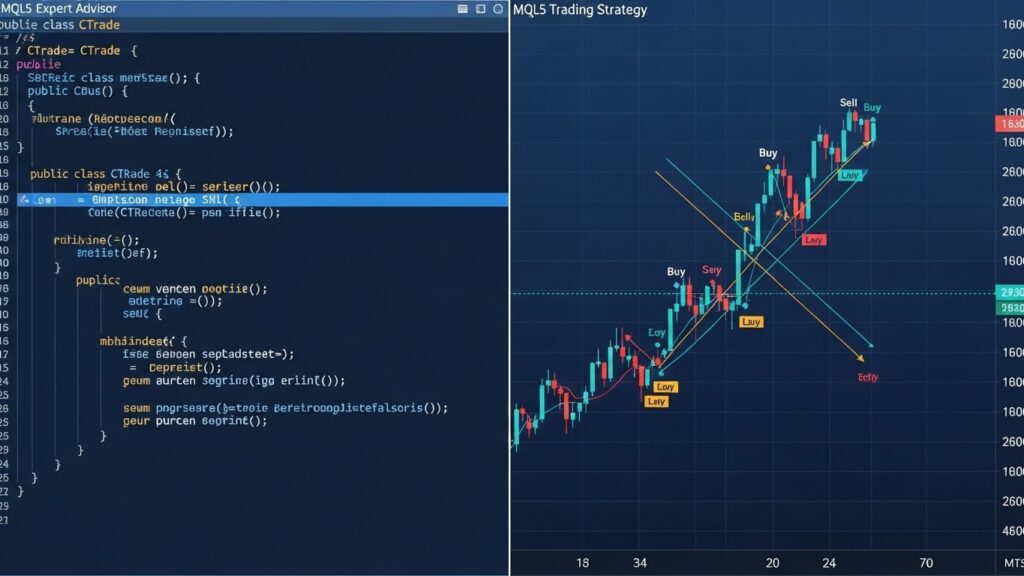
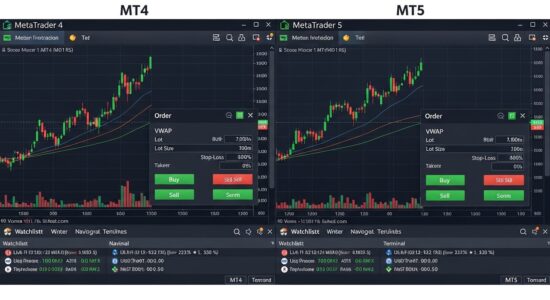
MQL5 Expert Advisor code example with corresponding automated trading results on MetaTrader 5 chart

This EA demonstrates:

  • Indicator handle creation
  • CTrade class usage
  • Array operations for indicator values
  • Buy/sell signal logic
  • Position checking

Creating Custom Indicators in MQL5

MQL5 indicator structure differs significantly from MQL4, offering more flexibility and power.

#property indicator_chart_window
#property indicator_buffers 2
#property indicator_plots   2

#property indicator_type1   DRAW_LINE
#property indicator_color1  clrBlue
#property indicator_width1  2

#property indicator_type2   DRAW_LINE
#property indicator_color2  clrRed
#property indicator_width2  2

// Input parameters
input int FastPeriod = 10;
input int SlowPeriod = 30;

// Indicator buffers
double FastBuffer[];
double SlowBuffer[];

// Handles
int fastMAHandle;
int slowMAHandle;

int OnInit()
{
   // Set buffers
   SetIndexBuffer(0, FastBuffer, INDICATOR_DATA);
   SetIndexBuffer(1, SlowBuffer, INDICATOR_DATA);
   
   // Create MA handles
   fastMAHandle = iMA(_Symbol, _Period, FastPeriod, 0, MODE_SMA, PRICE_CLOSE);
   slowMAHandle = iMA(_Symbol, _Period, SlowPeriod, 0, MODE_SMA, PRICE_CLOSE);
   
   if(fastMAHandle == INVALID_HANDLE || slowMAHandle == INVALID_HANDLE)
      return(INIT_FAILED);
      
   return(INIT_SUCCEEDED);
}

int OnCalculate(const int rates_total,
                const int prev_calculated,
                const datetime &time[],
                const double &open[],
                const double &high[],
                const double &low[],
                const double &close[],
                const long &tick_volume[],
                const long &volume[],
                const int &spread[])
{
   int toCopy = rates_total - prev_calculated + 1;
   
   // Copy MA values to buffers
   if(CopyBuffer(fastMAHandle, 0, 0, toCopy, FastBuffer) <= 0) return(0);
   if(CopyBuffer(slowMAHandle, 0, 0, toCopy, SlowBuffer) <= 0) return(0);
   
   return(rates_total);
}

void OnDeinit(const int reason)
{
   IndicatorRelease(fastMAHandle);
   IndicatorRelease(slowMAHandle);
}

This indicator shows dual moving averages, demonstrating buffer management and efficient calculation.

MQL5 Performance Optimization

MQL5’s architecture enables significant performance improvements over MQL4.

Use Indicator Handles

Always create indicator handles in OnInit rather than recalculating every tick:

// Efficient - handle created once
int OnInit()
{
   handle = iMA(_Symbol, _Period, 20, 0, MODE_SMA, PRICE_CLOSE);
   return(INIT_SUCCEEDED);
}

// In OnTick, just copy values
CopyBuffer(handle, 0, 0, 3, buffer);

Minimize Array Operations

Reserve array memory once rather than repeatedly:

double buffer[];
ArrayResize(buffer, 1000);  // Reserve space
ArraySetAsSeries(buffer, true);

Use OnTimer for Non-Critical Tasks

Move non-urgent operations to timer events rather than processing every tick:

int OnInit()
{
   EventSetTimer(60);  // Timer every 60 seconds
   return(INIT_SUCCEEDED);
}

void OnTimer()
{
   // Periodic maintenance tasks
}

Object-Oriented Design

Use classes to organize code efficiently, reducing redundancy and improving maintainability.

Migrating from MQL4 to MQL5

Converting existing MQL4 EAs to MQL5 requires understanding the migration patterns.

Order Management Changes

MQL4:

int ticket = OrderSend(Symbol(), OP_BUY, 0.1, Ask, 3, 0, 0);

MQL5:

#include <Trade\Trade.mqh>
CTrade trade;
trade.Buy(0.1, _Symbol);

Price Access Changes

MQL4:

double close1 = Close[1];
double high0 = High[0];

MQL5:

MqlRates rates[];
ArraySetAsSeries(rates, true);
CopyRates(_Symbol, _Period, 0, 2, rates);
double close1 = rates[1].close;
double high0 = rates[0].high;
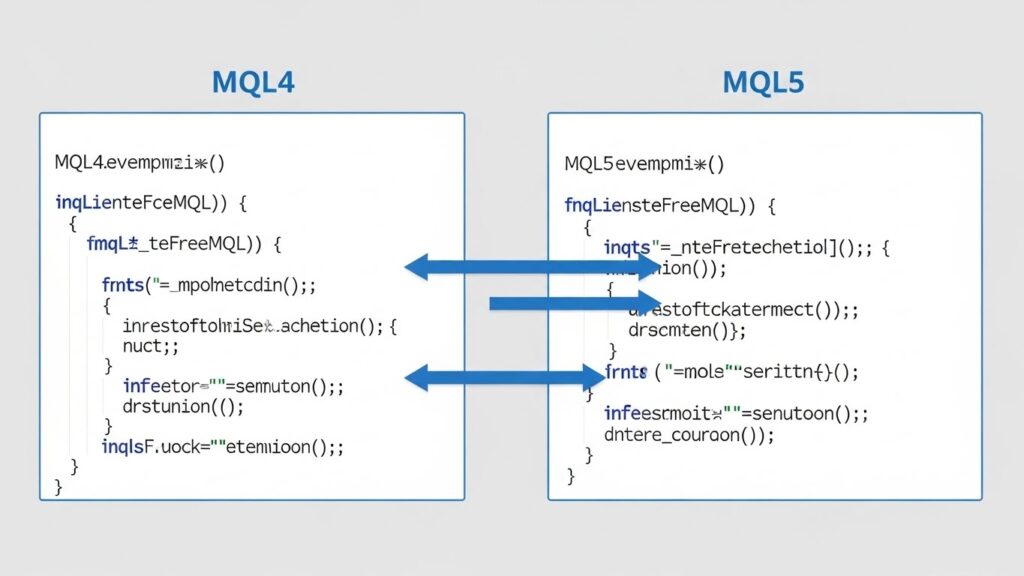
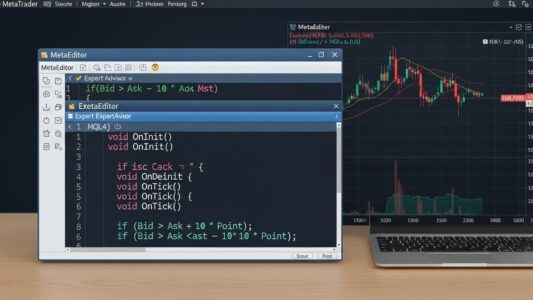
Code comparison showing differences between MQL4 and MQL5 programming syntax

Indicator Access Changes

MQL4:

double ma = iMA(NULL, 0, 20, 0, MODE_SMA, PRICE_CLOSE, 0);

MQL5:

int maHandle = iMA(_Symbol, _Period, 20, 0, MODE_SMA, PRICE_CLOSE);
double buffer[];
CopyBuffer(maHandle, 0, 0, 1, buffer);
double ma = buffer[0];

Position Selection Changes

MQL4 uses OrderSelect with ticket numbers. MQL5 uses PositionSelect or PositionGetTicket:

MQL4:

for(int i = 0; i < OrdersTotal(); i++)
{
   if(OrderSelect(i, SELECT_BY_POS))
   {
      // Process order
   }
}

MQL5:

for(int i = 0; i < PositionsTotal(); i++)
{
   if(PositionSelectByTicket(PositionGetTicket(i)))
   {
      // Process position
   }
}

Advanced MQL5 Features

MQL5 provides capabilities unavailable in MQL4.

Custom Symbols

Create and test strategies on synthetic instruments:

CustomSymbolCreate("MYSYMBOL", "Custom Instruments\\");

Economic Calendar Access

Access economic event data programmatically for news trading strategies.

Market Depth (DOM)

Access order book data for market microstructure analysis:

MqlBookInfo book[];
MarketBookGet(_Symbol, book);

Multi-Currency and Multi-Timeframe Testing

The Strategy Tester supports testing across multiple symbols and timeframes simultaneously, enabling portfolio strategy development.

Machine Learning Integration

MQL5 supports matrix and vector operations, facilitating machine learning algorithm implementation directly in trading systems.

For understanding AI integration in trading systems, see our AI in forex trading guide.

MQL5 vs MQL4: Which Should You Learn?

Choosing between MQL4 and MQL5 depends on your specific circumstances and goals.

Choose MQL4 If:

  • You use MT4 and have no plans to switch
  • You want simpler, faster initial learning
  • You’re a beginner with no programming experience
  • You need access to larger library of free code and community resources
  • You prefer straightforward hedging capabilities

Choose MQL5 If:

  • You use MT5 or plan to migrate to it
  • You want more powerful development capabilities
  • You have programming experience (especially OOP)
  • You need advanced backtesting and optimization
  • You’re building complex, professional-grade systems

Learn Both If:

  • You develop EAs professionally
  • You work with clients using both platforms
  • You want maximum flexibility in platform choice

Neither language is objectively “better”—each serves different use cases effectively.

Learning Resources and Practice

Continuing education accelerates MQL5 mastery.

Official Documentation

MQL5.com provides comprehensive documentation, code examples, and API references. This should be your primary resource.

MQL5 Code Base

Thousands of free indicators, EAs, and code examples available at mql5.com/en/code. Study well-written code to learn best practices.

MQL5 Forums

Active community forums where developers share knowledge, answer questions, and discuss strategies.

Freelance Platform

MQL5.com’s freelance section lets you hire developers or take on development projects, providing practical experience and income opportunities.

Practice Projects

Build progressively complex systems:

1. Simple indicator using standard library

2. Basic MA crossover EA with CTrade class

3. Multi-indicator EA with custom classes

4. Advanced system with OOP architecture

5. Portfolio management system

For guidance on EA development after learning MQL5 basics, see our building your first Expert Advisor guide.

Final Thoughts on MQL5 Programming

MQL5 represents a significant evolution from MQL4, offering enhanced capabilities at the cost of increased complexity. The learning curve is steeper than MQL4, especially for programmers without object-oriented experience, but the payoff includes more powerful, efficient, and flexible automated trading systems.

Approach MQL5 learning methodically, building on MQL4 knowledge if you have it or learning programming fundamentals if you’re starting from scratch. The investment in learning MQL5 pays dividends through access to modern development tools, improved performance, and advanced features unavailable in MQL4.

Remember that programming skill and trading strategy success are separate. MQL5 provides tools to implement ideas, but profitable trading requires sound strategies, proper risk management, and realistic expectations regardless of which programming language you use.

For broader automated trading context and how programming fits into trading success, see our automated forex trading guide.

For understanding different EA types you can build with MQL5, see our EA types guide.