Learn How to Make Fast Money by Learning diffrent Strategies in Forex Trading and Different Investment Options
MQL4 Programming for Beginners: Code Your First EA
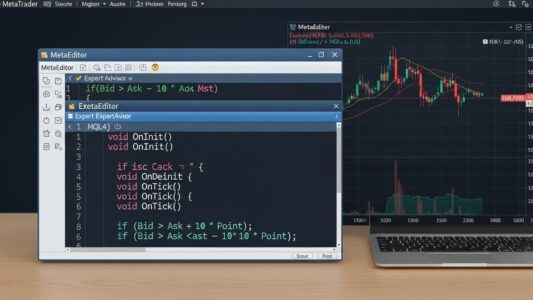
MQL4 programming is the foundation of automated trading on the MetaTrader 4 platform.
MQL4 (MetaQuotes Language 4) is the programming language for creating custom indicators, Expert Advisors, and scripts on the MetaTrader 4 platform. Learning MQL4 programming allows you to automate trading strategies, build custom technical analysis tools, and create personalized trading solutions without depending on commercial products.
While MQL4 requires programming knowledge, it’s more accessible than general-purpose languages like C++ or Java. The language focuses specifically on trading functions, reducing the scope of what you need to learn compared to broader programming languages.
This guide covers MQL4 programming fundamentals for beginners with little or no programming experience, explaining basic syntax, essential functions, how to create simple Expert Advisors and indicators, testing and debugging approaches, and common mistakes that trip up new MQL4 programmers..
Understanding your motivation for learning MQL4 programming helps maintain focus through the learning curve’s challenging early stages.
Complete Strategy Control
Commercial Expert Advisors often function as black boxes with limited customization options. Coding your own EAs provides complete transparency and control over every trading decision, entry signal, exit condition, and risk management parameter.
You’re not limited by vendor-provided settings or mysterious “secret” strategies. You implement exactly what you want, understanding precisely why each trade executes.
Custom Technical Analysis
Standard MT4 indicators cover common needs, but custom analysis often requires unique combinations or novel calculations. MQL4 programming lets you create custom indicators displaying exactly the information you need in the format you prefer.
Strategy Backtesting Capabilities
One of the key advantages of MQL4 programming is the ability to backtest strategies directly within MetaTrader 4 using historical data.
Learning MQL4 enables you to backtest trading ideas systematically, discovering which approaches work before risking real money. You can test hundreds of variations quickly, optimizing parameters and identifying robust strategies.
For proper backtesting methodology using your custom EAs, see our backtesting guide.
Independence from Vendors
Rather than buying commercial EAs that might stop working or get abandoned by developers, you build and maintain your own systems. You’re not dependent on vendor support, updates, or honesty about strategy mechanics.
Marketable Skill
MQL4 programming skills are valuable. Traders pay developers to create custom EAs and indicators. Learning MQL4 opens freelance opportunities beyond your personal trading.
Understanding how MQL4 programming compares to other languages helps set appropriate expectations for the learning process.
Similarities to C++
MQL4 syntax closely resembles C++. Variables, functions, loops, and conditional statements work similarly. Programmers with C, C++, or Java experience will find MQL4 familiar.
However, MQL4 is simpler than C++ because it focuses exclusively on trading functions rather than general-purpose programming. You won’t deal with memory management, complex data structures, or many complications that make C++ challenging.
Easier Than General Languages
MQL4 is more accessible for beginners than Python, JavaScript, or C++ because:
Immediate practical application to trading rather than abstract concepts
Active community providing examples and support
Different from MQL5
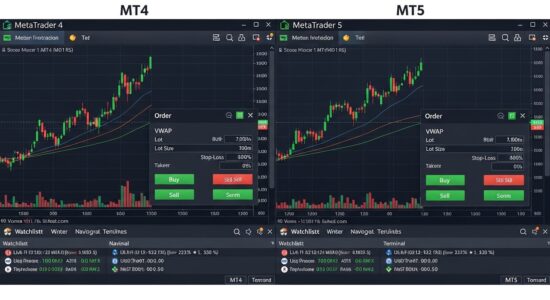
MQL4 and MQL5 are distinct languages for MT4 and MT5 platforms respectively. While similar, they’re incompatible—MQL4 code won’t run on MT5 and vice versa.
MQL5 is more powerful but also more complex. For beginners, MQL4’s simplicity and larger community make it the better starting point. You can learn MQL5 later once you grasp fundamental programming concepts through MQL4 programming.
Getting your environment configured correctly is the first practical step in MQL4 programming
Download and install MT4 from any forex broker offering the platform. The platform includes MetaEditor, the integrated development environment (IDE) for writing MQL4 code.
For MT4 installation and basic platform navigation, see our MT4 tutorial.
Open MetaEditor
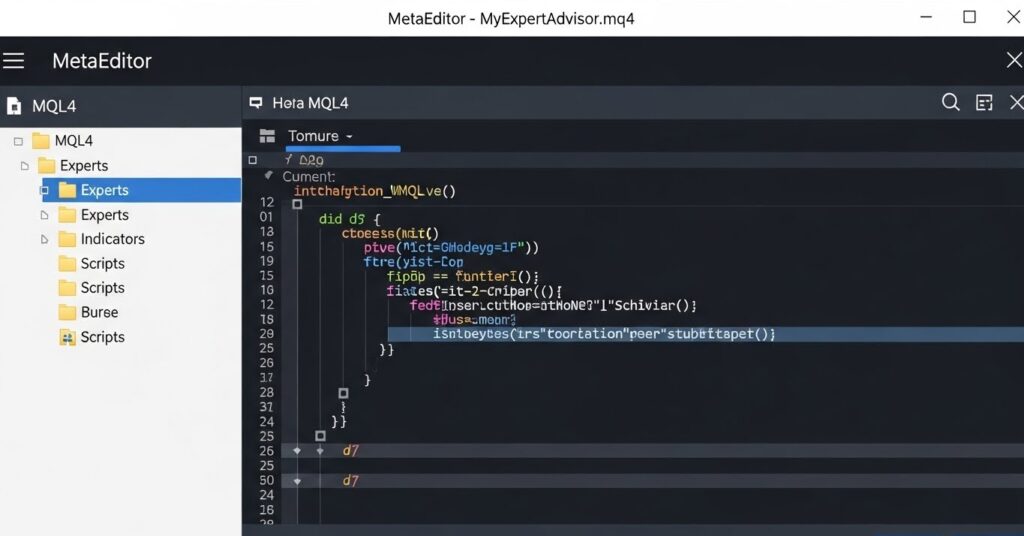
Launch MetaEditor from within MT4 by clicking Tools → MetaQuotes Language Editor or pressing F4. MetaEditor provides the code editor, compiler, and debugging tools for MQL4 development.
Understand File Structure
MT4 organizes MQL4 files in specific folders within the data directory:
Understanding this structure helps you locate files and organize your projects.
Create Your First File
In MetaEditor, click File → New → Expert Advisor. The wizard creates a template EA with basic structure. Name it something simple like “MyFirstEA” and save it.
The template provides starter code showing basic EA structure. You’ll modify this template as you learn.
MQL4 Basic Syntax and Structure
Every MQL4 program follows similar structural patterns. Understanding these foundations enables you to read and write any MQL4 code.
Program Structure
MQL4 programs contain:
Preprocessor directives (#property, #include)
Global variable declarations
Initialization function (OnInit)
Deinitialization function (OnDeinit)
Main function (OnTick for EAs, OnCalculate for indicators)
Simple EA structure:
#property copyright "Your Name"
#property link      "yourwebsite.com"

// Global variables
int MyVariable = 10;

int OnInit()
{
   // Initialization code runs once when EA starts
   return(INIT_SUCCEEDED);
}

void OnDeinit(const int reason)
{
   // Cleanup code runs when EA stops
}

void OnTick()
{
   // Main code runs every time price changes
}
Variables and Data Types
Variables store information your program uses. Common data types:
Always check OrdersTotal() and order ticket validity:
// Good practice
if(OrdersTotal() == 0)
{
   int ticket = OrderSend(...);
   if(ticket > 0)
   {
      Print("Success");
   }
}
Mistake 6: Not Handling Errors
Always check function return values and handle errors:
int ticket = OrderSend(...);
if(ticket < 0)
{
   Print("Error: ", GetLastError());
   // Handle the error appropriately
}
Learning Resources and Next Steps
Continued learning accelerates your MQL4 proficiency.
Official MQL4 Documentation
MetaQuotes provides comprehensive documentation at docs.mql4.com covering all functions, syntax, and examples. This should be your primary reference.
MQL4 Community Forums
The MQL4.community and MQL5.com forums contain thousands of code examples, answered questions, and helpful community members. Search before asking questions—most beginner issues have been addressed.
Practice Projects
Build increasingly complex projects:
Simple indicator displaying moving average
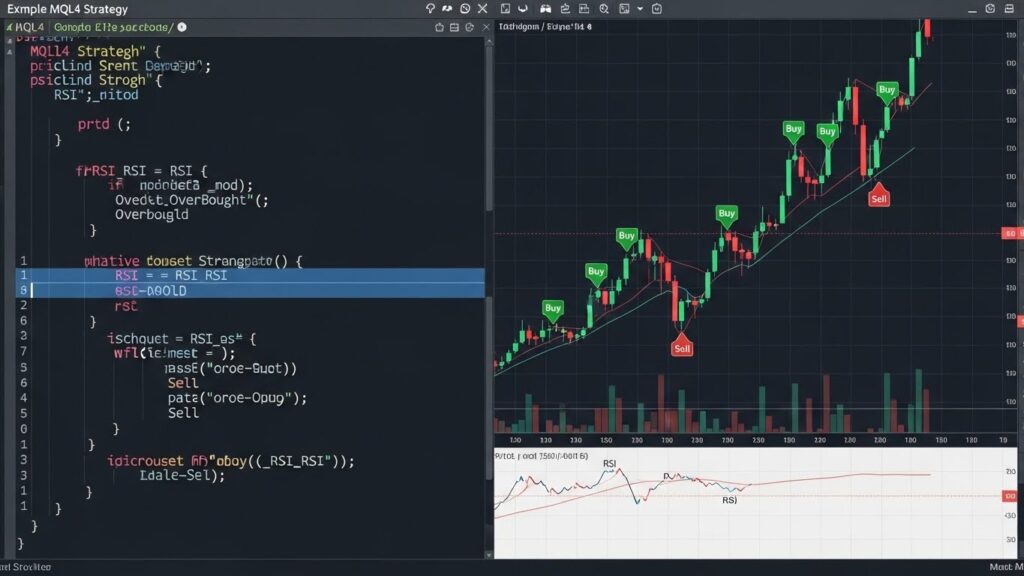
EA trading MA crossover
Multi-indicator EA with proper money management
Custom risk management functions
Complex strategy with multiple entry conditions
Each project reinforces concepts while introducing new challenges.
Code Reading
Read other programmers’ code. The MT4 CodeBase contains thousands of free indicators and EAs. Study how experienced developers structure code, handle errors, and implement strategies.
Custom indicators and scripts are two of the most practical outputs of MQL4 programming beyond Expert Advisors
Incremental Learning
Don’t try to learn everything immediately. Master basics before advancing:
Whether you are building your first simple script or a fully automated strategy, MQL4 programming is the skill that makes it possible.
MQL4 programming opens automated trading possibilities unavailable to traders relying solely on commercial products. The learning curve is steep initially but manageable with consistent practice and patience.
Start with simple programs, gradually increasing complexity as you master fundamentals. Don’t expect to build sophisticated EAs immediately—programming skill develops through iterative learning and lots of practice.
Use available resources extensively: official documentation, community forums, code examples, and tutorial content. Programming is learned by doing, not just reading, so write code constantly even if it’s simple or seems pointless initially.
Most importantly, remember that programming skill and trading strategy skill are separate. Learning MQL4 doesn’t automatically make you a profitable trader—it provides tools to implement and test trading ideas systematically. Combine programming knowledge with sound trading principles, risk management, and realistic expectations for best results.
For understanding different EA types you can build with MQL4, see our EA types guide.
MQL4 programming is subject to the broader regulatory environment governing automated trading; traders in the US should review guidelines from the CFTC, NFA, and internationally the FCA, while the official MQL4 Language Reference at MetaQuotes is the authoritative technical resource for all MQL4 programming syntax and functions.